
Settings, operations & compliance
Audit log
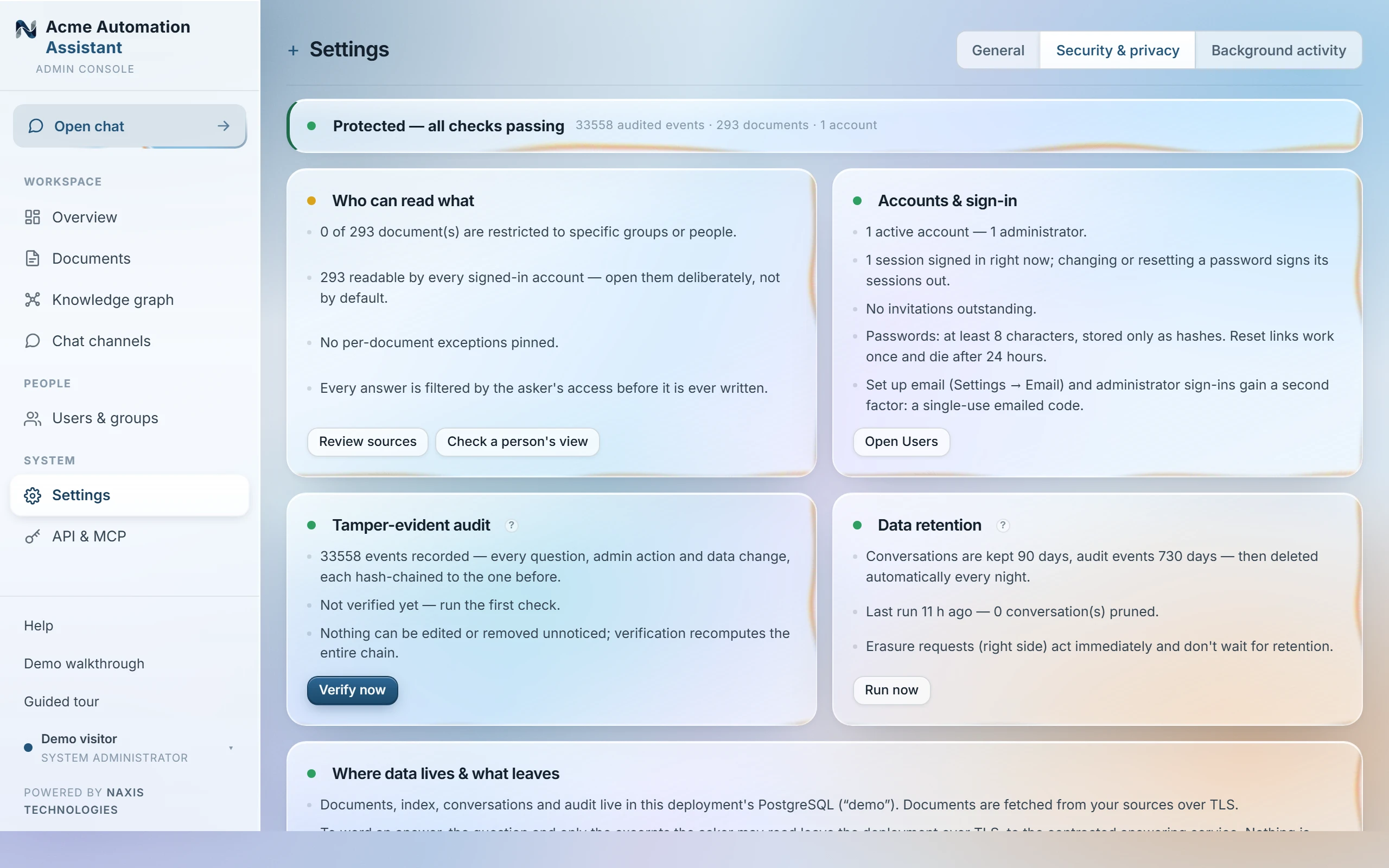
An append-only, tamper-evident record of every question and admin action, under Settings → Security & privacy. Each event stores a hash built from the previous event's hash together with its own timestamp, actor and details, so the row before it cannot be edited or removed without breaking every hash that follows. “Verify hash chain” recomputes the whole chain to confirm nothing has been altered — run it whenever you like; it takes seconds, and the result reads either “audit chain intact” or a flat “AUDIT CHAIN BROKEN”, never something in between.
Filter by event type or actor to answer questions like “who changed this document's access” or “what evidence sat behind that answer”. Each query event records which passages were consulted and which were cited — the full evidence trail behind every answer, so a disputed answer can be traced back to the exact material it drew from.
Worked example
An administrator changes a finance folder's access on a Monday, and by Friday someone is asking why a colleague can no longer see it. Filter the audit log to that actor and the access-change event type: the row shows who made the change, exactly when, and what the access list looked like before and after — settling the question without guesswork.
Retention and pruning
Audit events age out with the rest of retention (see “Background activity”) — the deployment's own retention period decides how long they're kept, shown read-only on the Security & privacy tab. Once the oldest events are pruned, the chain is verified starting from the oldest surviving row rather than from the very first event ever recorded; that is expected and does not itself indicate tampering.
The audit log is read-only by nature — there is no admin action that edits or deletes an entry directly, including for administrators. Erasing a person's data under Article 17 is itself a recorded event, not an edit to the chain.
Last updated 20 Sep 2026