
Issues & support
Set up GitHub (issues & PRs)
Connect GitHub to make the issues and pull requests in your repositories searchable — each becomes a document with its description and full comment thread, tied to its repo, author, assignees and labels. Read-only: only reads are ever issued.
Before you start
- GitHub → Settings → Developer settings → Personal access tokens.
- A fine-grained token: pick the repositories, grant READ on Contents, Issues and Pull requests. A classic token: the repo scope.
- Copy it right away — GitHub shows it once.
- Documents → GitHub, paste the Access token.
- Repositories: list owner/repo, one per line — or leave it blank and set Owner (org or user) instead; an organisation syncs its repos, your own username syncs yours, private ones included when the token can read them.
- Include: issues and pull requests, issues only, or pull requests only.
- State: open and closed, or open only.
- Choose access groups, Test, then Sync.
What comes in
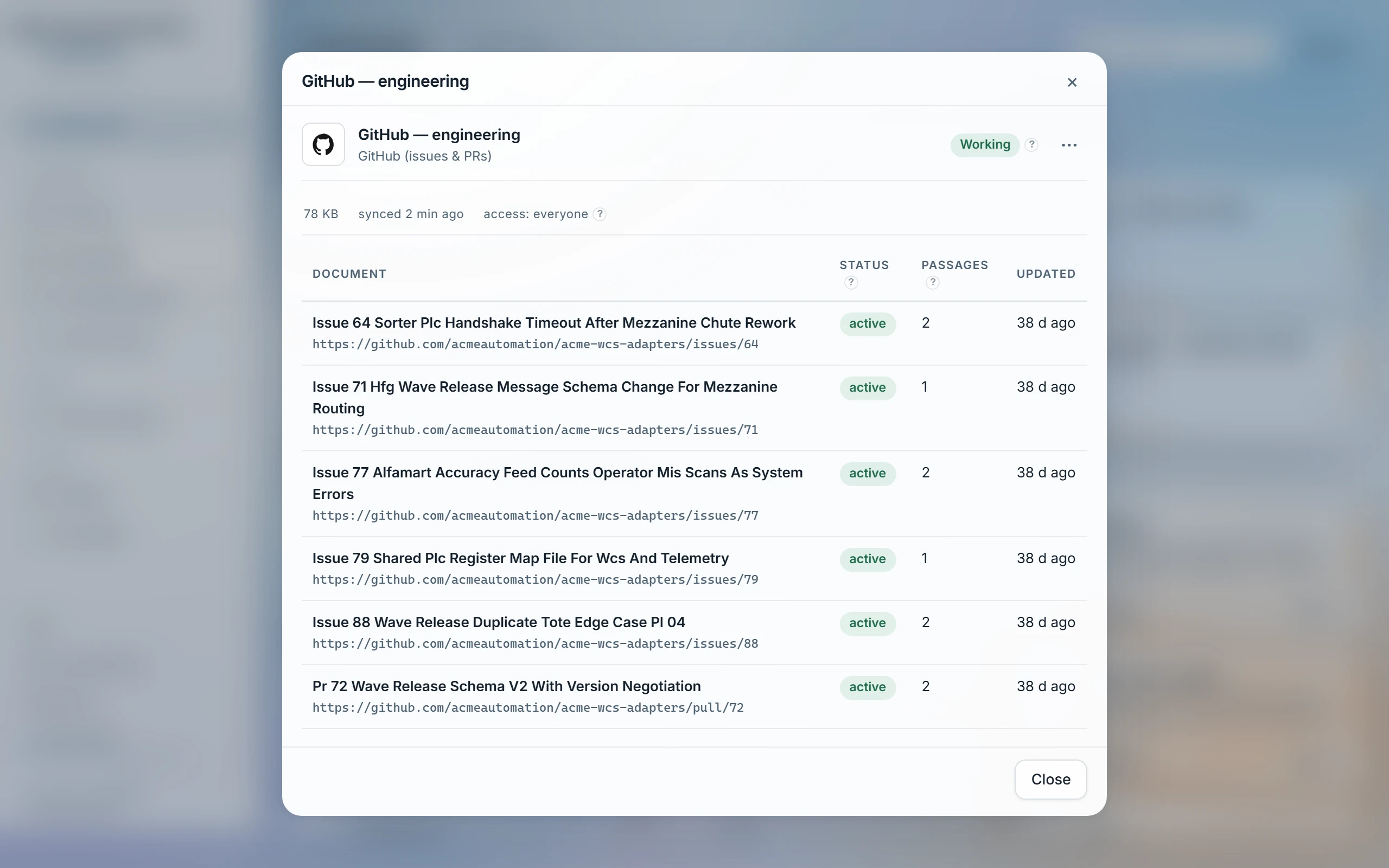
- Each issue and pull request becomes a document: title, description and the full comment thread (issue comments and PR review comments both), tied to its repository, author, assignees and labels.
- Each repository also becomes a concept card with its open/total issue and PR counts.
| Bot activity | Advanced. Skips bot-authored issues/PRs and their comments (Dependabot, CI) by default; set to Include bots to keep that history. |
|---|---|
| Private repositories | Advanced. Private repos sync by default, under this source's own access groups — GitHub's own collaborator list is not mirrored. Set to Public repositories only to leave them out entirely. |
Access
Documents are visible to whoever this source's access groups grant. GitHub's own collaborator list on a repository is not mirrored — a private repo's issues sync under the same access groups as a public one, not under GitHub's own permissions.
Read-only — only GETs are issued. GitHub's primary and secondary rate limits are retried with backoff before a sync gives up; a token rejection always names which scope to check.
Was this page helpful?
Last updated 20 Sep 2026