
Team chat
Set up Slack
Connect Slack to make channel history searchable — each channel becomes monthly chat-log documents with who said what and when, threads included, so decisions made in chat are as searchable as any file. This is a document source: it reads history in, not the separate Chat channels feature that lets the assistant answer inside Slack. Read-only.
The Slack app and bot token
Create an app at api.slack.com/apps (Create New App → From scratch, any name, your workspace). Under OAuth & Permissions add these Bot Token Scopes, then Install to Workspace and copy the Bot User OAuth Token (xoxb-…):
- channels:read, channels:history, groups:read and groups:history — read public channels, and private ones the bot has been invited to
- users:read and users:read.email — name who's speaking, and mirror a private channel's own members as its viewers here
- channels:join — optional, only if public channels should be joined automatically
- Create the app and copy the bot token as above.
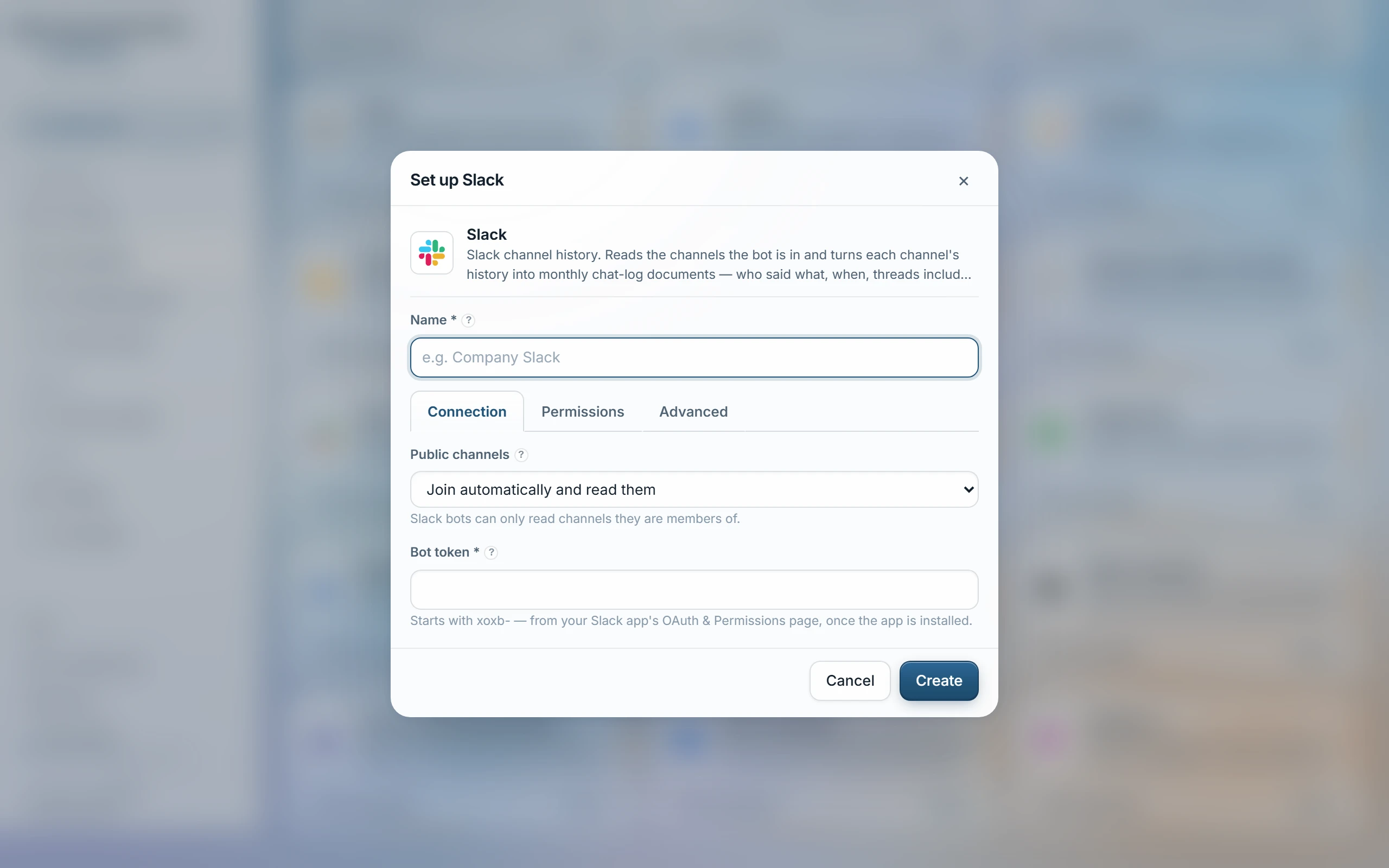
- Documents → Slack, paste the token.
- For private channels, /invite the bot in Slack — the invitation is the consent.
- Optionally list channels to narrow the sync, choose whether public channels join automatically, pick access groups, Test, then Sync.
What comes in
- Each channel becomes one document per calendar month: dated, speaker-labelled turns, thread replies indented under the message they answered.
- Mentions, channel references and links resolve to plain text, and a shared file appears as its filename only — Slack attachments are never opened.
Access
Private channels mirror their own Slack membership: everyone Slack lists as a member becomes a viewer here too, re-checked on every sync. A public channel, or a private one whose membership can't be resolved, keeps the access groups chosen on the source instead. Access stays allow-only either way. Switch How access works to “One list for everything” under Permissions to put everything this source brings in under the chosen access groups instead.
Test fails with a specific reason: a rejected bot token asks for a reinstall, a missing scope names exactly which one to add. A very chatty channel that piles up more than 300 open threads in one sync holds its older months back rather than sync them with replies missing — the next sync catches up. Months already synced stay searchable when history scrolls out of the window, or Slack's own plan limits hide it.
Last updated 20 Sep 2026